Update documents
Creation Date: June 26, 2023
Created By: VNPT eContract's team
The feature allows users to update previously created documents to reflect changes, modifications, or additions of new information easily and quickly.
Select the document to update
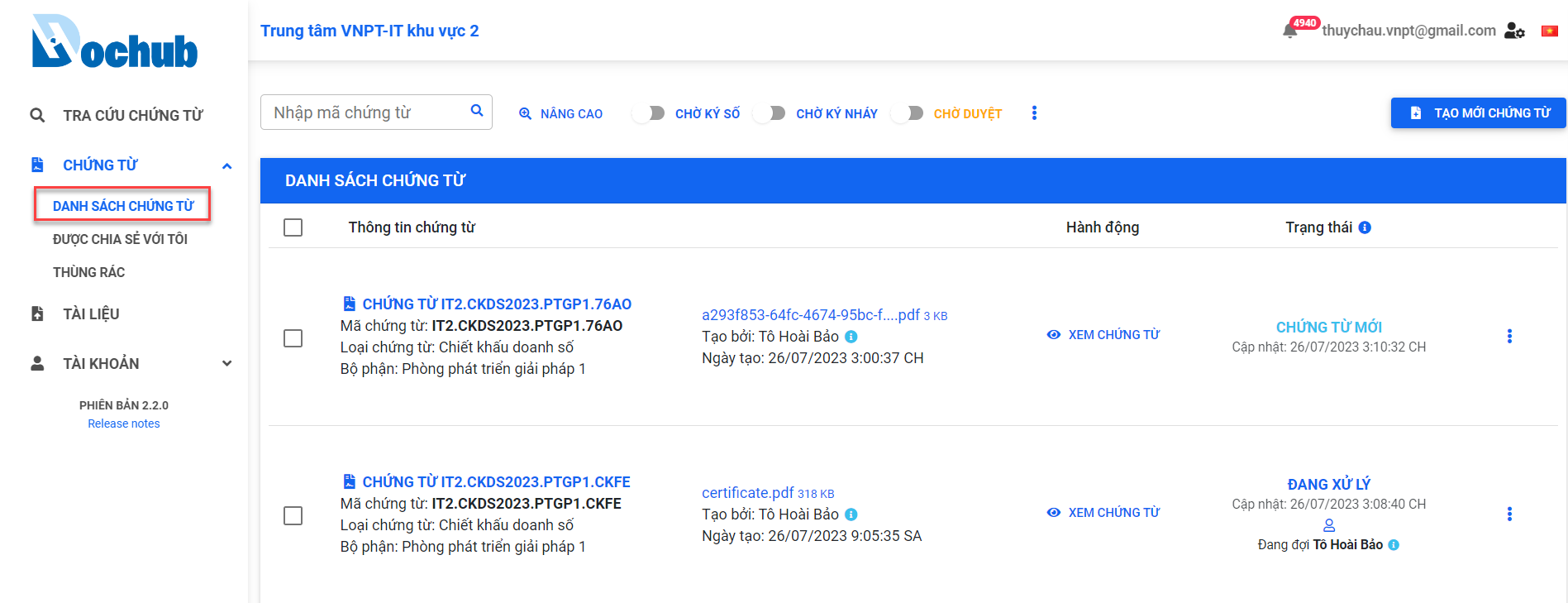
1. Access the "DOCUMENT LIST" screen
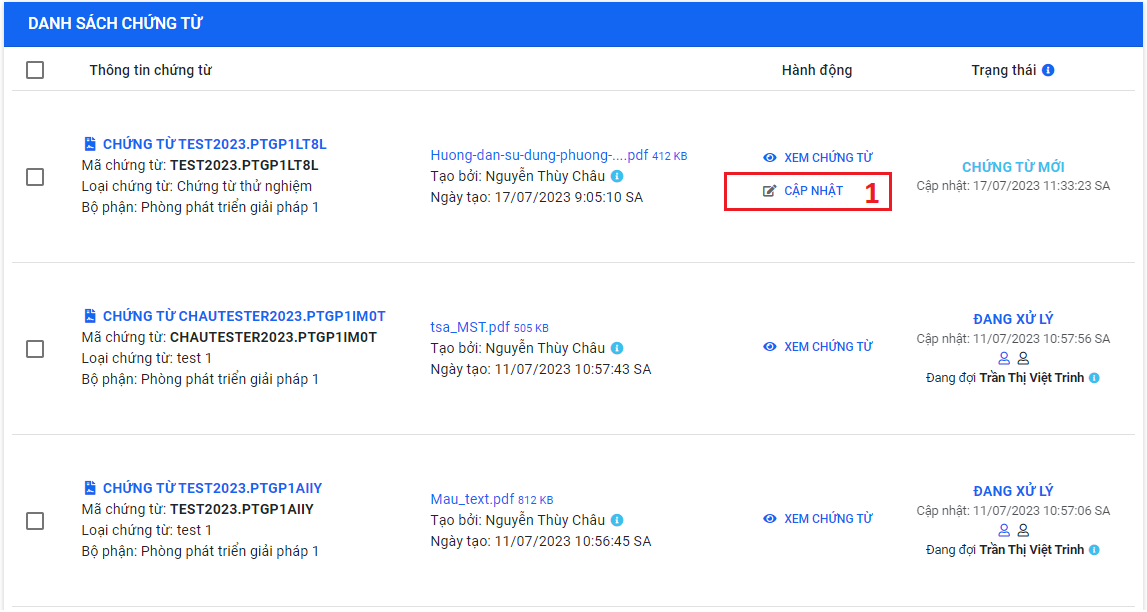
2. Select the document to update
tip
- Only the document creator has the right to update the document.
- Users can update documents in the "NEW DOCUMENT" state.
Update the document
1. Update document information
The document information that users can update:
- Document type
- Department
- Document title
- Deadline for processing
- Customer management information: Customer code, Customer information, Contract value, Contract validity period, Description
- Related documents
- Attached files
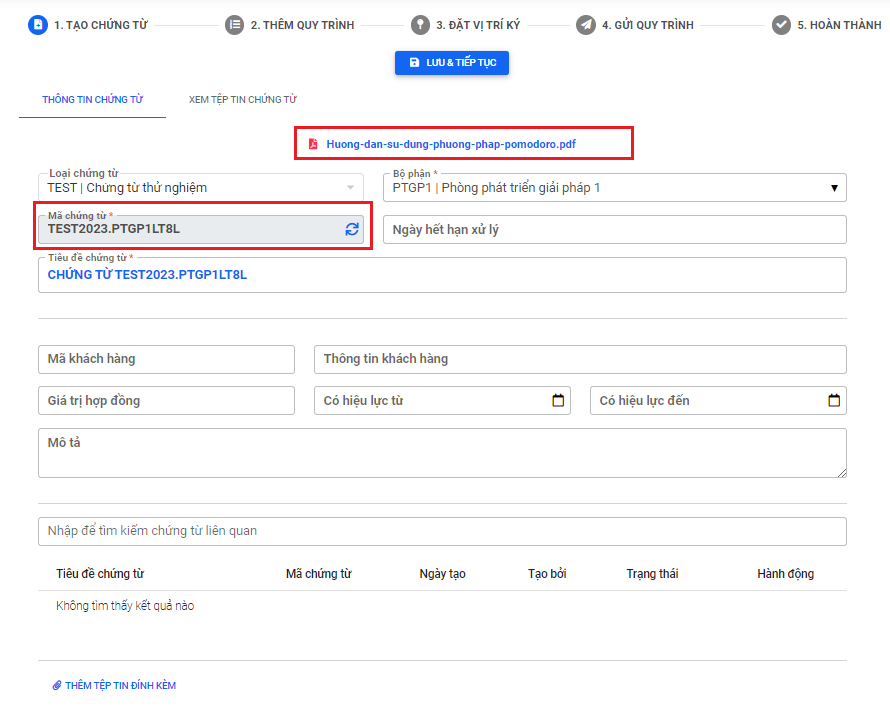
After updating the document information, click "Save & Continue" to proceed to the next step.
2. Update the document workflow
Perform the same steps as Adding document workflow when creating a new document.
3. Update signature positions
Perform the same steps as Setting signature positions when creating a new document.
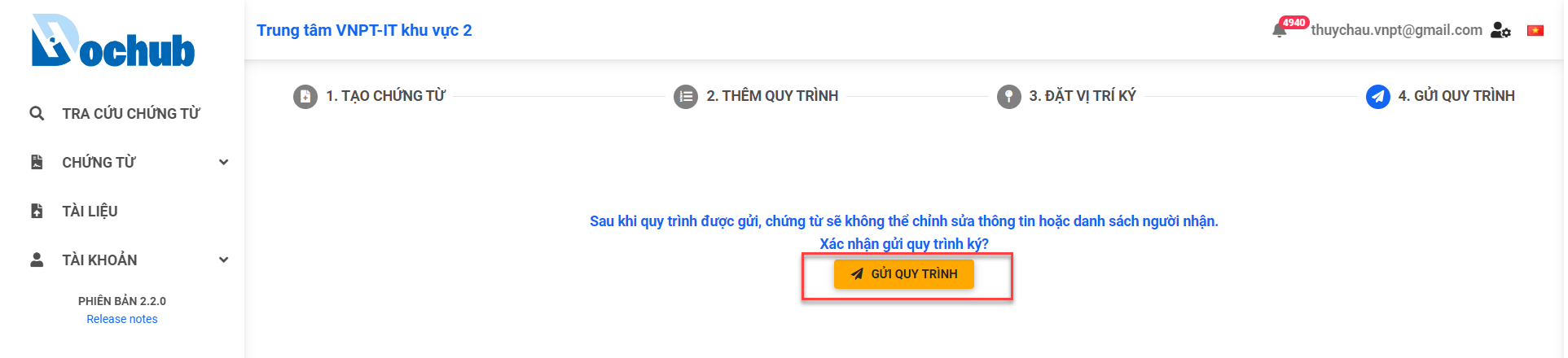
Sent to recipient
Click "Sent to recipient" to complete the document update.