Login and select company
Creation Date: June 26, 2023
Created By: VNPT eContract's team
There are three ways to access the VNPT eContract system:
- Login with username and password
- Login with processing code
- Login with OTP
Option 1: Login with VNPT eContract system account

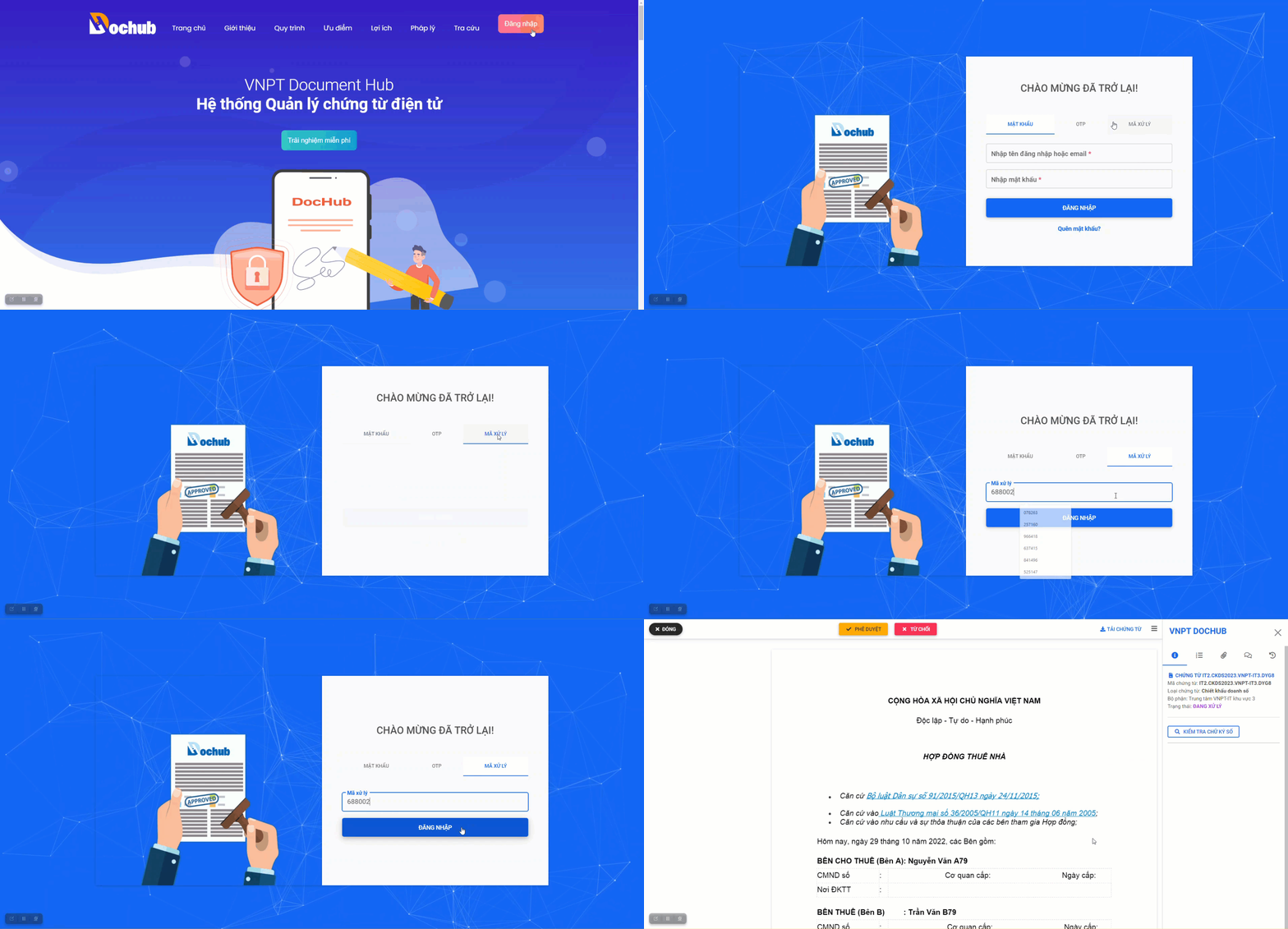
Option 2: Login with processing code
tip
Use the processing code to directly access a specific document in the VNPT eContract system and process the document.
1. Receive notification with processing code
The processing code for the document will be notified through the document notification method that the user has previously set up in the "Account Management" screen.
Processing code notification via email
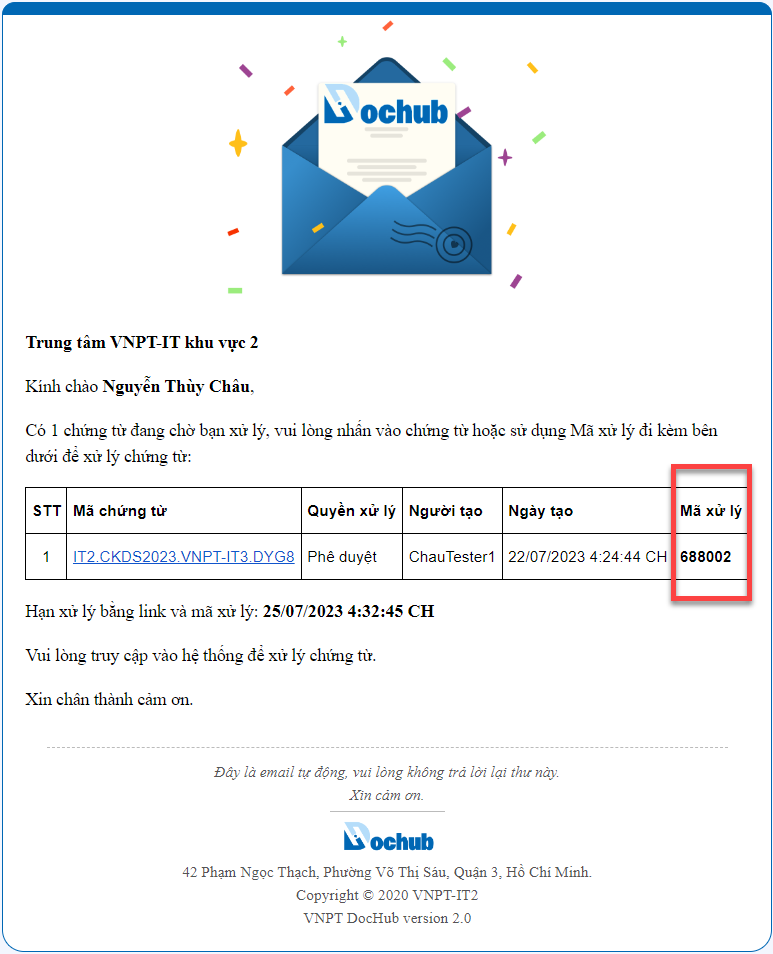
2. Perform login with processing code
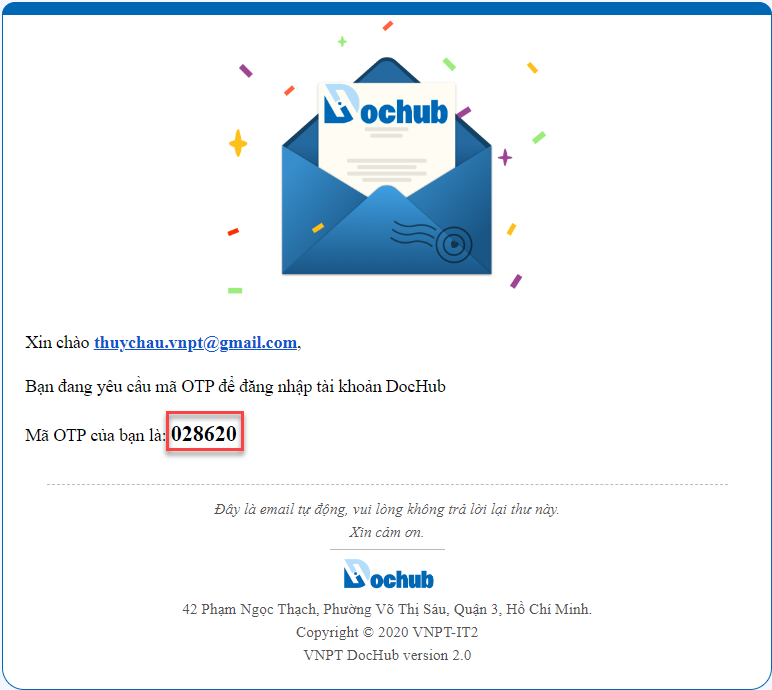
Option 3: Login with OTP
caution
Each time you log in to the VNPT eContract system using OTP, it will be limited within a certain time period. If the time limit is exceeded, the OTP will no longer be valid.

OTP notification via email